Howdy, Stranger!
It looks like you're new here. If you want to get involved, click one of these buttons!
Quick Links
How to use DRC to find gaps due to non-manhattan ports connection?

Hi
I have recently tried to detect gaps which can appear in our gds files (generated by gdsfactory) when we have an instance with a non-manhattan rotation (neither half-mahattan) to which we connect another instance.
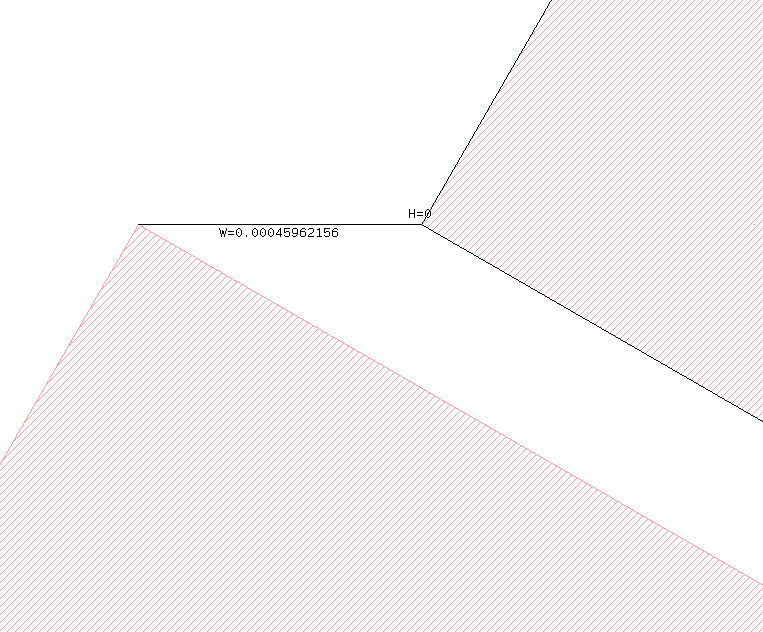
The kind of artifacts we would get are gaps which are around 0.2-0.8nm long (DBU=1nm) as it can be seen in the following image:
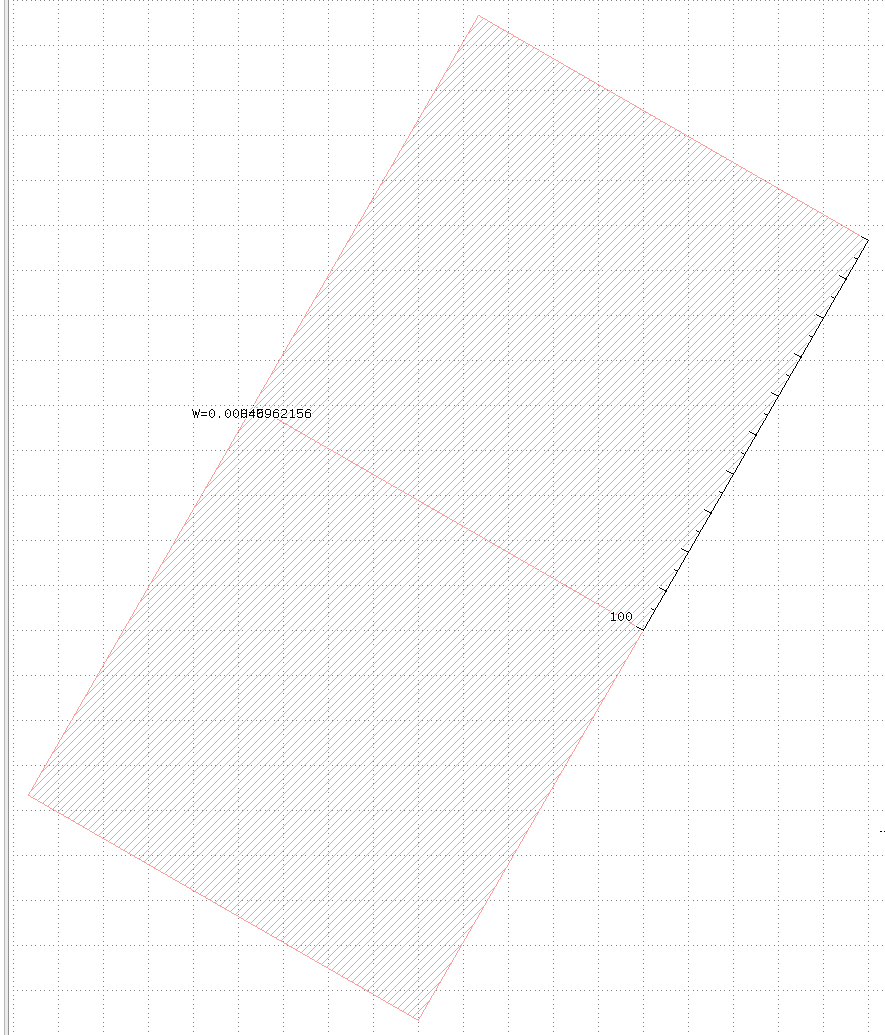
The unzoomed image is:
For finding them, I tried the following script
LAYER = input(400, 0)
threshold = 0.005
merged = LAYER.merged
closed = merged.sized(threshold).sized(-threshold)
issues = closed.not(LAYER)
# Then output either to report or layer, whatever
However the issues layer I have at the end is not covering the gaps at all if they're too small, or weirdly if large enough (which works sufficiently for my use case I'd say)
Also a side effect of using this sized method is that the issues layer tend to appear here and there on the edges of my non-manhattan oriented polygons
From my understanding all of this happens due to the points snapping on the grid as precisely as possible and thus producing those artifacts.
Is there any other way I could try to detect them? I can provide more examples if needed.
Thanks
Comments
Well, the problem is snapping. As GDS polygons can only be represented as multiples of the database unit (typically 1nm), the corners of the rotated rectangles cannot be represented exactly. Hence the corners will move and these gaps open. What you see is the display, which is not necessarily what the DRC sees. The DRC will flatten the layout and that implies another snap.
If you output the "merged" layer to some other layer, like
you should see what I mean.
Also the shapes you generate in the "NOT" operation are subject to the same constraints. Hence you cannot represent features smaller than the database units. The same is true for the DRC functions, which internally also need to translate the polygons into database unit space.
The question now is how to avoid that issue. A common approach is to implement some overlap - i.e. to avoid touching faces and let them overlap a little. Another solution is a cleaning step of the kind you already have it: "closed" in your example gives you the polygons without the gaps. You can use such a step to clean gaps before you give the layouts to the foundry.
Matthias